

Are you struggling to manage skyrocketing customer inquiries? This comprehensive Zendesk Review explores how the ultimate customer support platform transforms chaotic communication into streamlined success.
This in-depth guide provides a thorough evaluation of Zendesk’s features, pricing, and overall performance. You will discover actionable insights, step-by-step setup guidance, and expert tips to maximize your software investment. By the end, you will know exactly if Zendesk suits your business needs.
Why This Zendesk Review Matters for Your Business Growth
Choosing the right help desk software dictates the future of your customer satisfaction metrics. In this Zendesk Review, we break down exactly how the platform operates, what makes it unique, and where it occasionally falls short. Business leaders need transparent, data-driven insights to make informed software purchasing decisions. Zendesk promises to be a unified solution, but understanding its core mechanics ensures you select a tool that actually aligns with your Customer Support Strategy.
Customer expectations continue to rise every year. According to major industry reports from Gartner, buyers abandon brands after a single poor service experience. Zendesk aims to mitigate this risk by centralizing all communication channels into one accessible dashboard.
Core Features of the Zendesk Platform
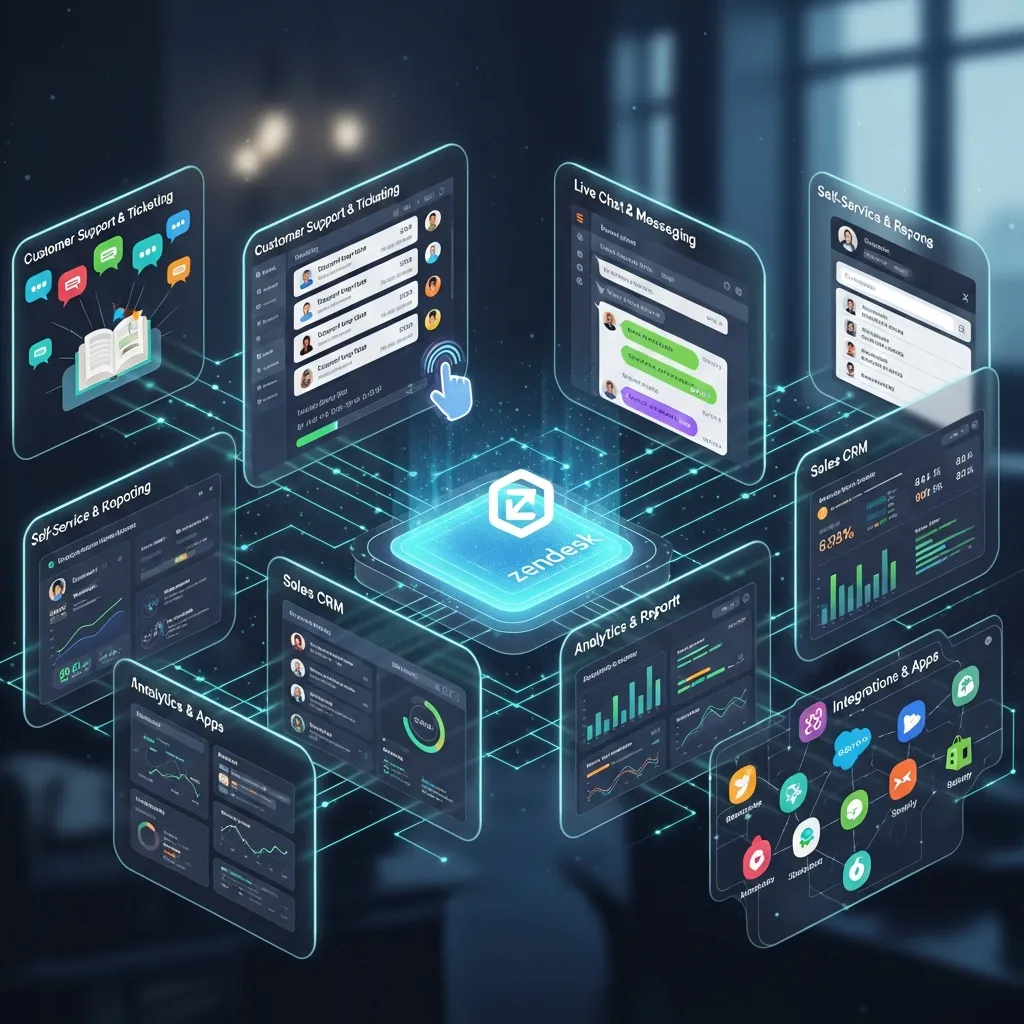
Zendesk packs an impressive suite of features designed to handle everything from basic inquiries to complex, multi-tiered support tickets.
Omnichannel Ticketing System
The heart of Zendesk lies in its omnichannel ticketing system. Agents no longer need to switch between email, live chat, social media, and phone tabs. Everything funnels into a single, unified workspace. This drastically reduces agent fatigue and prevents tickets from falling through the cracks. The seamless integration of Omnichannel Communication sets Zendesk apart from basic email clients.
AI and Automation Capabilities
Zendesk AI acts as a digital co-pilot for your human agents. It automatically categorizes incoming tickets based on intent, sentiment, and language.
- Intelligent Routing: Sends tickets to the best-equipped agent.
- Suggested Responses: Drafts replies using historical data.
- Chatbots: Deflects simple queries before they reach a human.
Self-Service Knowledge Base
Modern customers prefer finding answers themselves. Zendesk allows you to build a robust, searchable portal. Proper Knowledge Base Management deflects up to 30% of standard inquiries, freeing your team to handle complex, high-value conversations.
Advanced Reporting and Analytics
You cannot improve what you cannot measure. Zendesk Explore provides real-time analytics. Managers track First Reply Time (FRT), Customer Satisfaction (CSAT), and individual agent performance.
Step-by-Step Guidance: Setting Up Zendesk for Success

Implementing a massive software ecosystem feels intimidating. Follow this actionable roadmap to ensure a smooth launch.
- Define Your Service Level Agreements (SLAs): Establish your baseline metrics for response and resolution times before configuring the software.
- Configure Routing Rules: Set up IF/THEN triggers. For example, if a ticket contains the word “refund,” route it immediately to the billing department.
- Build Your Knowledge Base: Draft articles answering your top 20 most frequent customer questions.
- Integrate Third-Party Apps: Connect your existing tools. Zendesk boasts thousands of CRM Integrations, making it easy to sync with tools like Salesforce or Slack.
- Train Your Agents: Conduct extensive training sessions focusing on the unified agent workspace.
Zendesk Pricing: Is It Worth the Investment?
Zendesk operates on a tiered pricing model. While the platform offers immense power, it requires a financial commitment that startups must weigh carefully.
Zendesk vs. Competitors
|
Feature/Platform |
Zendesk |
Kustomer |
Freshdesk |
|---|---|---|---|
|
Target Audience |
Mid-Market to Enterprise |
E-commerce/Retail |
Small to Mid-Market |
|
Omnichannel Support |
Excellent |
Excellent |
Good |
|
Pricing Transparency |
Moderate |
High |
High |
|
AI Capabilities |
Advanced |
Advanced |
Basic |
|
Ease of Setup |
Complex |
Moderate |
Simple |
Common Mistakes to Avoid with Zendesk
Many companies purchase Zendesk and fail to utilize its full potential. Avoid these frequent implementation traps to ensure maximum return on investment.
- Ignoring Automation: Companies often manually route tickets because they fear automation. This defeats the purpose of buying enterprise-grade Help Desk Software.
- Neglecting the Knowledge Base: Launching Zendesk without self-service articles creates massive agent bottlenecks.
- Overcomplicating Tags: Creating too many ticket tags confuses agents and ruins your reporting data. Keep your tagging taxonomy simple and strictly governed.
Expert Insights and Pro Tips for Maximizing ROI
Industry veterans understand that Zendesk requires continuous optimization. You do not just set it and forget it.
Pro Tip 1: Utilize “Side Conversations.” This feature allows agents to consult external departments (like shipping or engineering) directly within the ticket via email or Slack, without exposing the internal chatter to the customer.
Pro Tip 2: Leverage the Zendesk Apps Marketplace. Do not build custom solutions until you check the marketplace. There is usually a pre-built app for exactly what you need, saving thousands in development costs.
Pro Tip 3: Regularly audit your macros (canned responses). Customer needs change constantly. A macro that worked perfectly last year might sound robotic and unhelpful today.
The Power of Community Forums

Beyond standard ticketing, Zendesk enables brands to build active online communities. Customers help each other, share best practices, and post feature requests. This peer-to-peer support system drastically reduces the volume of tickets your internal team must process while fostering immense brand loyalty.
Measuring Success: Key KPIs to Track
To prove the value of your Zendesk investment, you must track specific Key Performance Indicators. Focus on:
- Customer Effort Score (CES): How easy was it for the customer to get help?
- Ticket Deflection Rate: How many users visited the help center and left without creating a ticket?
- Agent Utilization Rate: How much time do agents spend actively solving problems versus navigating the software?
Tracking these metrics within the Explore dashboard provides a clear picture of your support health and guides future staffing decisions.
Conclusion
Implementing the right software transforms your entire business trajectory. As this Zendesk Review demonstrates, the platform offers unparalleled omnichannel capabilities, powerful AI automation, and deep analytics. While the setup requires careful planning, the resulting boost in customer loyalty justifies the effort. Ready to elevate your support? Start your free Zendesk trial today and experience the difference.
FAQs
1. What exactly does Zendesk do?
Zendesk acts as a centralized customer service platform. It gathers customer inquiries from email, phone, social media, and live chat, organizing them into a single, manageable ticketing queue for your support agents.
2. Is Zendesk difficult to set up?
Basic setup takes only a few hours, but configuring advanced workflows, AI routing, and custom integrations requires dedicated time and technical understanding. Many businesses hire implementation specialists for complex deployments.
3. Does Zendesk offer a free version?
Zendesk does not offer a permanent free plan for standard businesses. However, they provide a 14-day free trial. Additionally, qualified early-stage startups can apply for the Zendesk for Startups program to receive six months of free access.
4. How does Zendesk AI help support teams?
Zendesk AI analyzes incoming tickets to detect customer intent and sentiment. It then routes the ticket to the most appropriate agent, suggests helpful responses, and uses chatbots to automatically resolve common, repetitive questions without human intervention.
5. Can Zendesk integrate with my current CRM?
Yes. Zendesk features an extensive marketplace with over 1,000 apps. It integrates seamlessly with major CRM platforms, communication tools like Slack, and e-commerce platforms like Shopify, ensuring smooth data flow across your organization.
6. What is a “Side Conversation” in Zendesk?
A Side Conversation allows a support agent to collaborate with someone outside the immediate support team (like a vendor or internal engineer) directly from the ticket interface. The customer never sees this private, internal communication.
7. Is Zendesk suitable for small businesses?
While small businesses can use Zendesk, its robust feature set and pricing model generally cater better to mid-market and enterprise organizations experiencing high support volumes and complex routing needs.
8. How does Zendesk improve agent productivity?
By unifying all communication channels into a single workspace, agents stop wasting time toggling between different software tabs. Automated macros, AI response suggestions, and pre-built routing rules further eliminate repetitive manual tasks.
9. What reporting capabilities does Zendesk offer?
Zendesk Explore provides highly customizable dashboards. Managers track metrics like first reply time, customer satisfaction scores, agent ticket volume, and knowledge base effectiveness, allowing for data-driven operational improvements.
10. Can customers find answers themselves using Zendesk?
Yes. Zendesk includes powerful knowledge base management tools. You can create detailed FAQ pages, instructional articles, and community forums that empower customers to resolve their own issues quickly.