
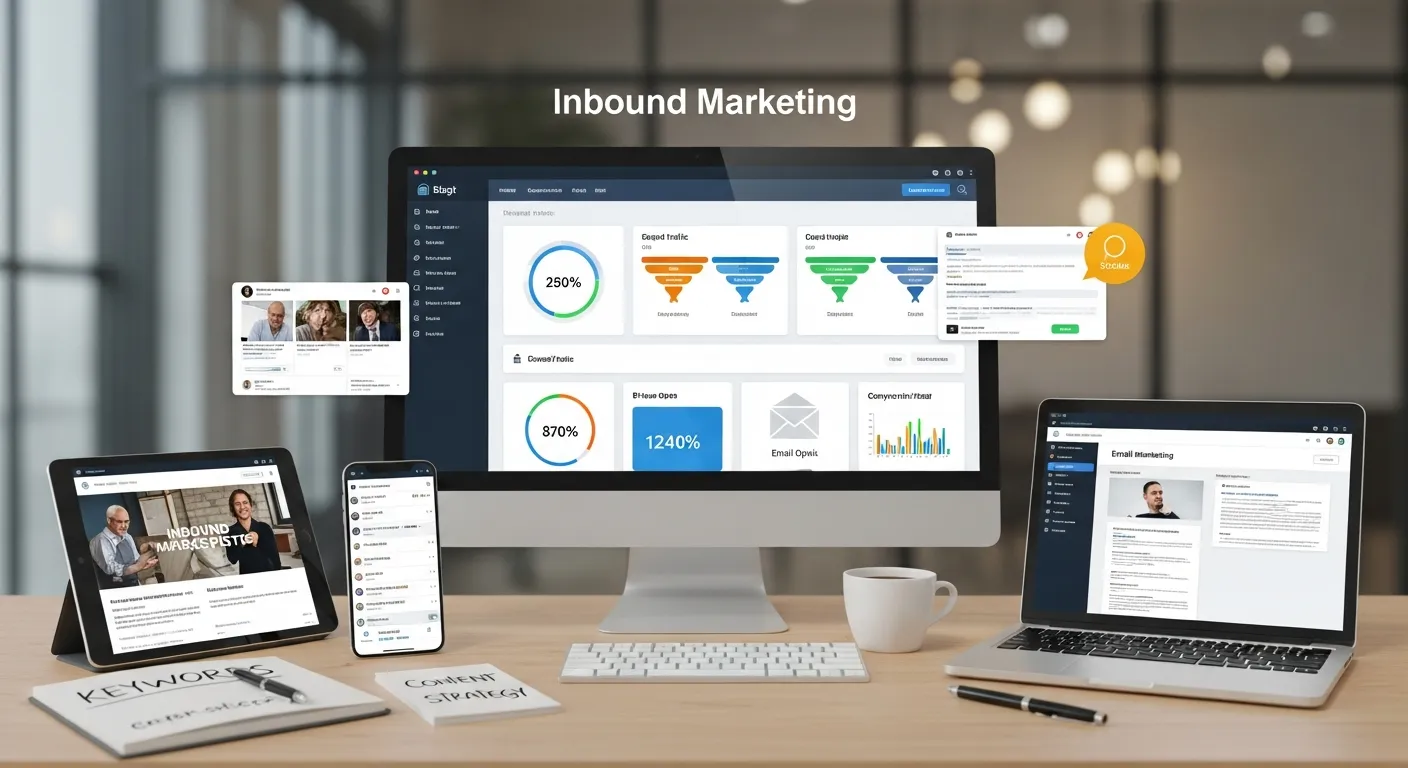
Struggling to align your sales and marketing? Our HubSpot 2026 Review reveals how this powerhouse platform transforms your entire inbound strategy and drives massive business growth.
This comprehensive guide explores the platform’s latest features, advanced marketing automation, and pricing structures. You will learn actionable inbound strategies, discover exclusive expert insights, and see exactly how to scale your business, avoid common software pitfalls, and achieve unmatched revenue growth.
The Evolution of the Platform: A Deep Dive HubSpot 2026 Review
Business growth requires seamless alignment between marketing, sales, and customer service. Over the years, many companies have struggled with disjointed software stacks that trap data in silos. In 2026, the landscape of customer relationship management (CRM) and digital marketing has shifted significantly. Businesses no longer want dozens of disconnected tools; they want a single source of truth.
This is where the platform truly shines. Built entirely in-house rather than cobbled together through acquisitions, the system offers a fluid, unified experience. Whether you are a startup looking to capture your first hundred leads or a massive enterprise managing millions of contacts, the architecture scales with your needs.
Why Inbound Marketing Matters Now More Than Ever
Before diving into the technical features, we must understand the methodology that drives the software. Inbound marketing focuses on attracting customers through highly relevant, helpful content rather than interruptive advertising. By creating content designed to address the specific problems and needs of your ideal customers, you attract qualified prospects and build trust and credibility.
To execute a successful inbound marketing strategy, you need tools that can handle content creation, search engine optimization, lead capture, and relationship nurturing all at once. This ecosystem is specifically engineered to manage every stage of the inbound methodology: Attract, Engage, and Delight.
Core Features Unpacked
To fully understand the value of the platform, we must break down its primary components, known as “Hubs.” Each Hub integrates flawlessly with the underlying Smart CRM.
The Smart CRM: Your Central Source of Truth
At the foundation of the ecosystem sits the Smart CRM. Unlike traditional databases that require heavy manual data entry, this system automatically logs emails, records calls, and tracks website interactions.
Your team can see exactly when a prospect opened an email, which pages they visited on your website, and what forms they submitted. This level of visibility empowers your sales reps to reach out at the perfect moment with highly personalized messaging.
The Marketing Hub: Lead Generation and Automation
The Marketing Hub provides everything you need to run successful campaigns. From building beautiful landing pages to launching complex email sequences, the tools are intuitive and powerful.
Key marketing features include:
- Drag-and-Drop Editors: Build landing pages and emails without writing a single line of code.
- Omnichannel Automation: Trigger workflows based on user behavior across email, social media, and SMS.
- SEO Tools: Get real-time recommendations to improve your search rankings and build topical authority.
- Ad Tracking: Manage your Google, Facebook, and LinkedIn ads directly inside the dashboard to calculate true return on investment.
The Sales Hub: Closing Deals Faster
The Sales Hub removes friction from the sales process. It equips your team with tools to automate outreach, track pipeline health, and close deals efficiently.
Key sales features include:
- Meeting Scheduling: Eliminate the back-and-forth of finding a time to meet by sharing a direct calendar link.
- Email Sequences: Automate follow-up emails and task reminders to ensure no lead falls through the cracks.
- Deal Pipelines: Visualize your sales process with highly customizable Kanban boards.
- Predictive Lead Scoring: Use artificial intelligence to identify which prospects are most likely to buy.
The Service Hub: Delighting Customers
Customer acquisition is only half the battle. Retaining those customers is where sustainable growth happens. The Service Hub provides help desk ticketing, customer feedback surveys, and knowledge base creation tools to ensure your buyers remain happy and loyal.
Step-by-Step Guidance: Launching Your First Campaign

Getting started can feel overwhelming, but following a structured approach ensures success. Here is a step-by-step guide to launching a high-converting inbound campaign.
Step 1: Define Your Buyer Personas
Before building assets, clearly define who you want to reach. Use the platform’s persona tool to document your ideal customer’s pain points, goals, and demographic information.
Step 2: Set Up Your Conversion Path
A standard conversion path includes a content offer, a landing page, a form, and a thank-you page.
- Create a valuable asset, such as an eBook or a whitepaper.
- Build a dedicated landing page to highlight the offer’s value.
- Embed a lead capture form.
- Design a thank-you page that delivers the asset and suggests a secondary action.
Step 3: Build an Automated Nurture Workflow
Once a visitor downloads your offer, they become a lead. Do not leave them hanging. Build a workflow that automatically sends a series of educational emails over the next few weeks. This builds trust and gently guides them toward a purchasing decision. For more details on crafting perfect sequences, check out our guide on email automation best practices.
Step 4: Promote the Campaign
Use the social media publishing tools to schedule promotional posts across all your channels. Simultaneously, allocate a small budget to paid ads to drive targeted traffic to your new landing page.
Step 5: Analyze and Optimize
After the campaign runs for a few weeks, dive into the analytics dashboard. Look at the conversion rates on your landing page and the open rates of your nurture emails. Use A/B testing to refine your headlines, button colors, and email copy.
Expert Insights on Marketing Automation
Marketing automation is often misunderstood. Many businesses treat it as a way to blast generic messages to massive lists. However, experts know that true automation is about delivering personalized experiences at scale.
When you leverage behavioral data, you can trigger specific actions based on exactly what a user does. For example, if a prospect visits your pricing page three times in one week but does not request a quote, your system can automatically alert the assigned sales rep to make a personal phone call.
According to data from Forrester Research, companies that excel at lead nurturing generate 50% more sales-ready leads at a 33% lower cost. The platform’s visual workflow builder makes it incredibly easy to map out these complex, multi-branching logic paths without needing an IT degree.
Common Mistakes to Avoid
Even with the best software, user error can derail your success. Here are the most common pitfalls to avoid when setting up your portal:
- Overcomplicating the Sales Pipeline: Keep your deal stages simple and aligned with the actual steps your buyers take. Too many stages confuse sales reps and lead to messy reporting.
- Ignoring Data Hygiene: Standardize how data enters your system. Require specific fields on your forms and use automation to format names and titles correctly. A dirty database ruins personalization.
- Forgetting to Set Goals: Never launch a campaign or a workflow without defining a clear, measurable goal. The software allows you to set goal criteria for workflows, instantly removing contacts once they take the desired action.
- Neglecting the Tracking Code: The very first thing you must do is install the tracking code on your external website. Without it, you lose all behavioral data and page view history.
Structured Comparison: HubSpot vs. Competitors in 2026
To provide a well-rounded view, let us see how the platform stacks up against other major players in the market.
|
Feature |
HubSpot |
Salesforce |
ActiveCampaign |
|---|---|---|---|
|
Ease of Use |
Exceptionally high; intuitive design. |
Steep learning curve; requires training. |
Moderate; great for email, complex elsewhere. |
|
All-in-One Capability |
Native CRM, Marketing, Sales, Service, CMS. |
Requires extensive third-party integrations. |
Primarily marketing automation; basic CRM. |
|
Free Tier |
Robust free CRM with basic marketing tools. |
No free tier available. |
No free tier available. |
|
Implementation Time |
Fast; teams can launch in days. |
Slow; often requires costly consultants. |
Moderate; straightforward email setup. |
|
Pricing Predictability |
Scales with contacts and features. |
Add-ons and hidden costs can accumulate. |
Very affordable for small businesses. |
As the table shows, the system wins heavily in user experience and native integration. While enterprise giants might prefer the endless custom coding options of older platforms, modern revenue teams choose speed, alignment, and ease of use. Proper CRM implementation is vastly simpler when the interface is designed for the end-user rather than a database administrator.
Pro Tips for Scaling Your Business
If you want to extract maximum value from your investment, you must move beyond the basic features. Implement these pro tips to accelerate your growth:
- Implement Lead Scoring: Stop treating all leads equally. Assign point values based on demographic fit and behavioral engagement. When a lead crosses a specific threshold, route them directly to sales.
- Leverage Smart Content: Personalize your website experience based on who is viewing it. Show different calls-to-action to anonymous visitors versus established customers.
- Utilize Chatbots: Do not make buyers wait for business hours. Build chatbots to answer common questions, qualify incoming traffic, and book meetings directly onto your reps’ calendars 24/7.
- Connect Your Tech Stack: Use the expansive app marketplace to connect your accounting software, communication tools, and webinar platforms. Ensure data flows freely across your entire company.
Ensuring High Data Security and Compliance

In 2026, data privacy is a massive concern for consumers and regulators alike. The platform provides robust tools to ensure you remain compliant with global privacy laws. You can easily manage subscription preferences, capture explicit consent on your forms, and automatically process data deletion requests. By prioritizing data security, you build trust with your audience and protect your brand reputation.
The Power of Reporting and Analytics
You cannot improve what you do not measure. The custom report builder allows you to slice and dice your data across any metric. Build dashboards for your executive team that show high-level revenue forecasts, while providing your marketing managers with granular data on landing page bounce rates and email click-throughs.
By utilizing closed-loop reporting, you can finally tie every dollar of closed revenue back to the exact marketing channel, campaign, and blog post that generated the original lead. This insight is invaluable for justifying your marketing budget and planning future investments.
Conclusion
Ready to scale your business? This HubSpot 2026 Review proves that aligning your sales, marketing, and service teams is easier than ever. Start implementing these powerful inbound strategies today to outpace competitors. Maximize your growth, engage your audience, and transform your customer journey. Sign up for a free trial now!
Frequently Asked Questions (FAQs)
1. What is the main purpose of this platform?
The software is an all-in-one customer relationship management (CRM) platform designed to help businesses align their sales, marketing, and customer service teams. It centralizes customer data, automates repetitive tasks, and provides tools to execute comprehensive inbound marketing campaigns.
2. Is the free CRM actually free forever?
Yes, the core CRM features are completely free forever. You can store up to one million contacts, track interactions, and use basic email marketing and live chat tools without ever paying a dime. Upgrades are only required when you need advanced automation or higher usage limits.
3. How does the pricing model work in 2026?
Pricing is divided into different “Hubs” (Marketing, Sales, Service, CMS, Operations) and offered in tiered packages: Starter, Professional, and Enterprise. Costs generally scale based on the features you need and the number of marketing contacts in your database.
4. Can I integrate my existing email provider?
Absolutely. The platform seamlessly integrates with Gmail, Outlook, and Office 365. This allows you to log incoming and outgoing emails directly into the CRM, track open rates in real time, and access sales templates directly from your inbox.
5. How long does it take to implement the software?
Because of its highly intuitive interface, basic implementation can be completed in a matter of days. More complex setups involving advanced workflows, custom API integrations, and large data migrations may take a few weeks, but it remains significantly faster than legacy enterprise systems.
6. Does it replace the need for a dedicated website builder?
Yes, if you choose to use the Content Hub (CMS). You can build, host, and manage your entire website directly within the platform. This provides a massive advantage, as your website data seamlessly syncs with your CRM without needing unstable third-party plugins.
7. How does the software handle marketing automation?
The visual workflow builder allows you to create highly complex, multi-step automation sequences. You can automate email nurturing, update contact properties, assign tasks to team members, and trigger external webhooks based on specific user behaviors and time delays.
8. Is the platform suitable for B2B or B2C companies?
While originally famous for its massive success in the B2B sector, the software is highly effective for B2C companies as well. E-commerce integrations, advanced segmentation, and omnichannel marketing capabilities make it a powerful choice for any business model focused on relationship building.
9. What kind of customer support is available?
Users on paid tiers receive excellent support via live chat, email, and phone. Additionally, the platform offers an enormous, freely accessible knowledge base and a dedicated Academy that provides comprehensive training and industry-recognized certifications.
10. How does the predictive lead scoring feature work?
Predictive lead scoring uses machine learning algorithms to analyze thousands of data points across your contact database. It automatically identifies the behaviors and characteristics of contacts who previously became customers, and then assigns probability scores to your current leads so sales reps know exactly who to call first.